


Scan the QR code to get this blog on the go.

NDRRMC Alert System
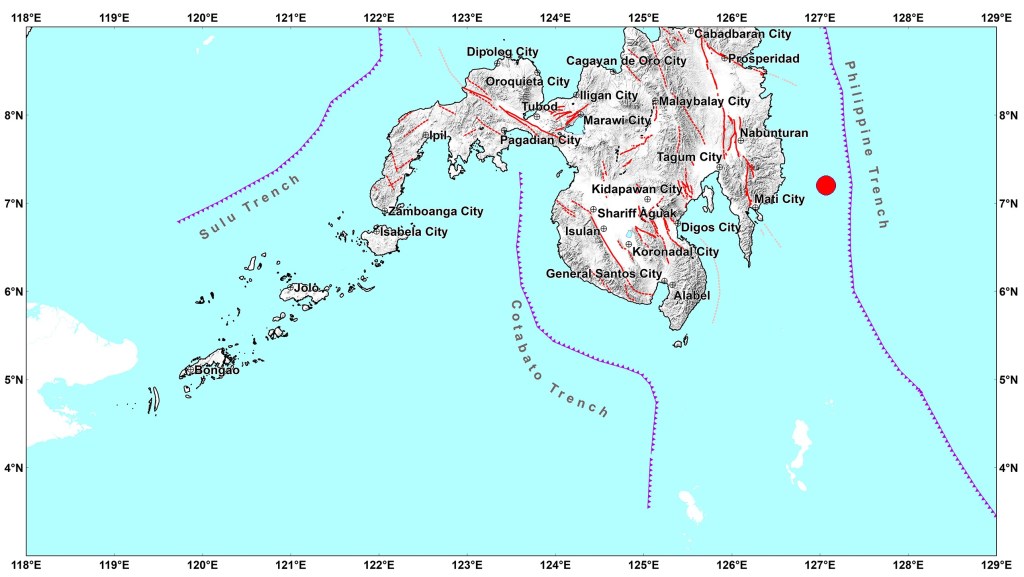
Twitter has been the usual norm whenever someone wants to either inform the public of an earthquake they have just experienced or to get an information regarding a recent earthquake.
However, the official detail about the earthquake usually comes after 20 minutes as that is the standard length of time for Phivolcs to determine the exact epicenter.
With the signing of the Free Mobile Disaster Alerts Act in 2014, the National Disaster Risk Reduction and Management Council (NDRRMC) started issuing emergency mobile warning about heavy rainfalls and earthquakes.
To turn the NDRRMC Alerts service on on your mobile just follow these steps:
For Huawei Android Users – go to Settings> Sounds and vibrations > More sound setting> Cell broadcasts. You can enable the alerts and customize the vibration and volume.
For Samsung Android Users – go to Settings> Notifications > App notifications > Messages
For iOs Users – go to Settings> Notifications then scroll to the bottom and enable Emergency Alerts
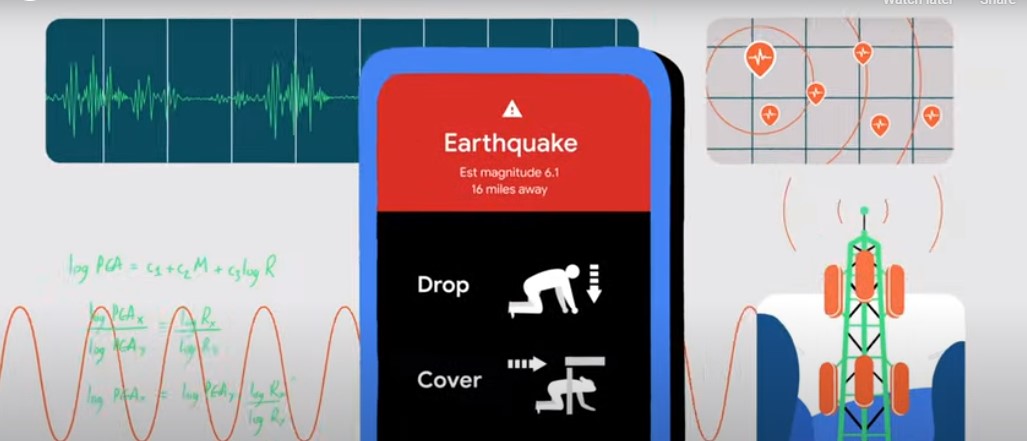
Android Earthquake Alerts Systems by Google
Google also launched an alert system that became available in the Philippines last June of this year. It uses your phones built-in accelerometers to detect any seismic activity and then confirms this with other data from other smartphones within the area where the earthquake is happening to determine its epicenter and magnitude.
To turn the Google Earthquake Alert System on, follow the steps below:
- Go the Location tab on your settings.
- Tap on Earthquake Alerts that has a Google icon.
- Enable Earthquake Alerts.
Just remember that this service requires WIFI or mobile data and that your Location must be turned on.
Source: Spot.ph/MSN.com/NDRRMC





















 West Valley Fault
Leave a comment